
Choosing a Player App for Your Device
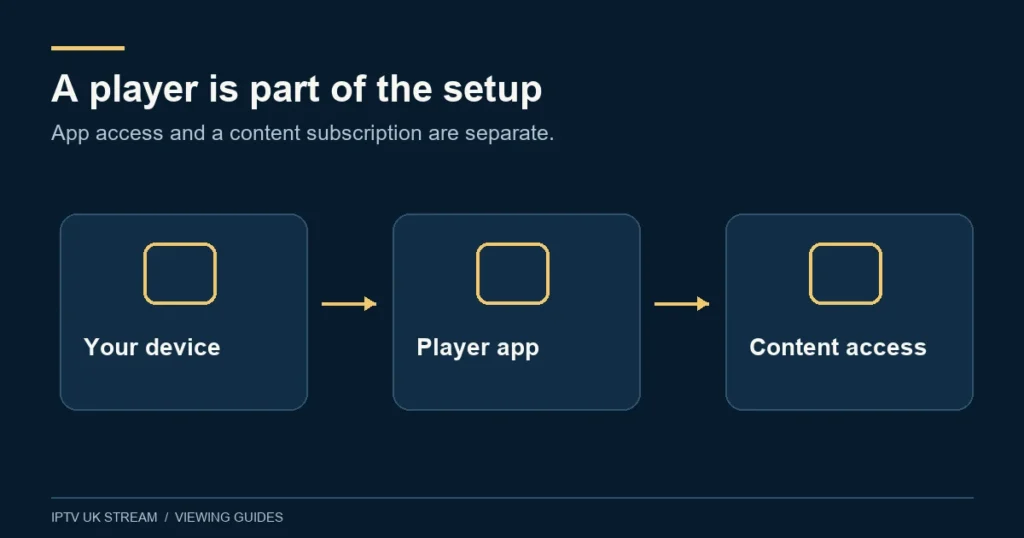
Choose a player by checking your device and the features you need. An app and the content access it plays are separate parts of the setup.
Start with the operating system
Identify the exact television, streaming device, phone or computer you intend to use. A similar app name on another platform does not establish compatibility with your model. Check the official developer and your device’s current store before installing or paying for an app.
Read the app-specific guides
- Hot Player: device checks and activation questions
- IBO Player: identifying the app and preparing access
- TiviMate: television setup and guide requirements
- Smarters: platform and access checks
Separate three decisions
Your hardware, player licence and subscription access are different things. Check what each provides, which login method the player accepts and whether the desired features work in that combination. A player installation does not create a viewing account or confirm content availability.
The supplied Premium feature is “Hot Player / IBO Lifetime Activation”. That wording does not make the streaming term lifetime or establish that both apps are included. Ask which player and device apply to your setup.
Make a short checklist
- Exact device model and operating system.
- Official developer and current app availability.
- Supported access method, confirmed privately with support.
- Live playback, EPG, audio and any catch-up requirements.
- Any app licence or activation arrangements that apply.
Check your device, then use the installation guide to prepare the next steps. For a practical check before choosing a term, read the free-trial information.