
IBO Player for IPTV: playlists and device activation
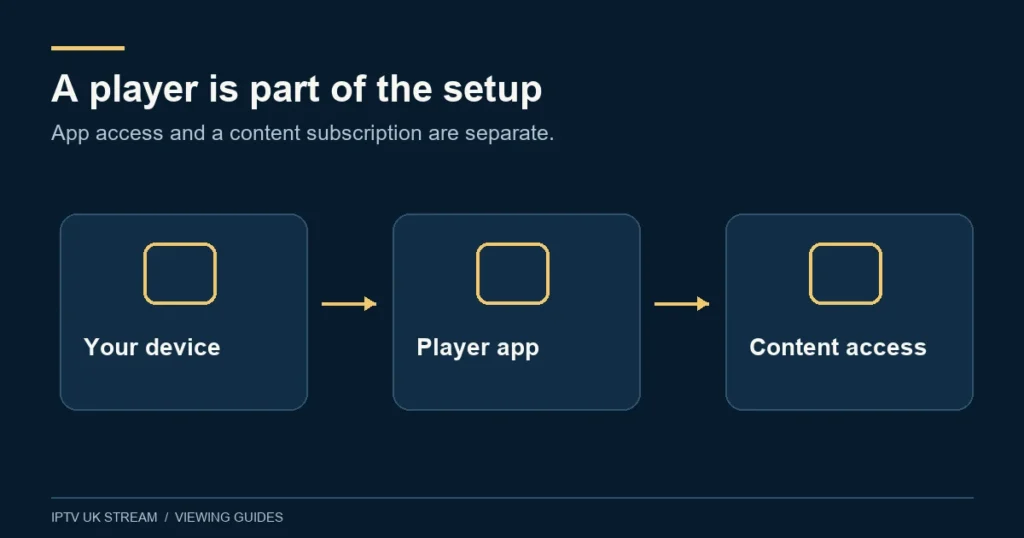
IBO Player is a media player that needs a separate viewing source. Verify the exact application before associating a playlist or arranging activation, and keep its device licence separate from your IPTV plan's term and simultaneous viewing allowance.
Identify the player before following a tutorial
IBO-related names appear on many applications and websites. A similar icon or an added word such as Pro is not enough to establish that an application shares the same publisher, licence or management system. Record the full app name, developer shown in its store listing and version installed on the device.
The IBO Player publisher FAQ says the player provides neither channels nor playlists and identifies its official website route. Use the app’s own verified publisher information rather than assuming a search advertisement is authoritative. Do not enter a device key or playlist into several similarly named management pages to find one that accepts it.
Before choosing any player, establish whether it is offered for your actual platform. Our compatibility hub separates native Smart TV apps from Android-based devices and other systems. An installation video showing a different television is a starting point for questions, not proof of support for yours.
The player apps hub helps compare this device-association workflow with other player choices. Make the choice on verified compatibility and day-to-day controls rather than on a familiar name alone.
Keep three different entitlements clear
The installed player is software. Its activation permits use under the applicable licence. The playlist or account supplies viewing access for a selected term and connection allowance. If you keep those items in separate records, you can tell whether a message concerns a device licence, an unavailable source or too many simultaneous sessions.
IPTV UK Stream’s published Premium feature list includes “Hot Player / IBO Lifetime Activation”. That does not describe lifetime streaming and does not imply that both apps are automatically included together. Confirm the intended eligible player, edition and device when arranging the Premium plan. Its viewing term remains the period you select.
If a player already shows an activation offer, pause before making a separate payment and check the arrangement you intend to use. Paying twice is not a troubleshooting method. Keep the original activation confirmation privately so that the correct party can investigate a later licence question.
Use the identifiers from the actual installation
Where the player displays a device address and key, copy them from the screen you are configuring. Do not use a router address, another television’s details or a screenshot from an old installation. Check every character before associating a source, because a small transcription mistake can point the management process at the wrong record.
Follow only the playlist-management route verified for the installed application. Treat keys and playlist links as private account material. When asking for help, share the model and error wording first; conceal access tokens in screenshots unless a trusted private support process specifically needs them.
Give the playlist a recognisable name and retain a private note of which source it represents. This helps distinguish an active service from an old trial or demonstration. If the player loads an unexpected list, stop and check the saved association rather than adding more entries until one appears familiar.
Wi-Fi and Ethernet can change the activation context
IBO’s FAQ explains that the device address presented can differ when changing between Wi-Fi and Ethernet. That makes a network change relevant to activation troubleshooting. If the app displays a different identifier after switching connections, compare it with your saved record and ask about the correct handling before purchasing another licence.
This does not mean you should avoid a wired comparison when diagnosing local Wi-Fi. It means you should record the setup first. Note the original connection type and identifier, change one thing, reopen the app and observe the result. A clear before-and-after record is more useful than alternating repeatedly between networks without knowing which installation is being managed.
Keep device replacement separate from network changes. A new television may require a different activation process, and a licence should not be assumed transferable without the publisher’s confirmation. Resolve that before wiping, selling or disposing of the old device.
Test the playlist, the video and the guide separately
Begin by checking whether the playlist appears. Then open an ordinary available item and test sound through the television speakers. Finally, inspect guide information where supplied. These are separate stages: a visible channel name does not prove video compatibility, and working video does not guarantee complete programme data.
The publisher FAQ indicates that programme-guide use depends on an appropriate provider-supplied source. For UK viewers, compare displayed times with the actual local time and report any consistent offset. Use the EPG guide for the distinction between channel access, programme listings and schedule accuracy.
If you want previous programmes, check actual catch-up availability rather than assuming a guide entry is replayable. The catch-up guide explains the source and player requirements. A menu showing yesterday’s schedule does not by itself mean the programme has an available recording.
Investigate a playlist that works elsewhere
A computer and television may support different playback formats. The IBO FAQ explicitly raises TV format support as one possible reason that a playlist works on a computer but fails on the television. Treat that as a diagnostic possibility, not a conclusion before comparison.
Use the same item and the same home network, with one session active at a time unless your allowance covers more. Record whether the TV fails to load the list, fails only on playback or loses sound. If the computer uses a different network, say so, because the comparison then changes both the device and the connection.
Check another item on the TV. A failure affecting one programme is different from all content failing. The Samsung and LG guides describe practical television checks. Do not factory-reset the screen merely because one playlist item behaves differently from another.
Organise a setup that is easy to maintain
Once ordinary playback works, create a small favourites group and test the remote route back to it. Keep categories useful for the household rather than leaving everyone to search through a large list. Where parental controls are available in your edition, test the actual restriction and keep the PIN private.
Before updates or reinstallation, note the app version and save the details needed to restore your own configuration. Clearing application data can remove useful local settings. A clean reinstall may be appropriate in a documented support process, but it should follow diagnosis rather than replace it.
Do not confuse multiple saved playlists with permission to run multiple streams. Your confirmed simultaneous allowance still applies. The multi-device guide helps plan use when a living-room TV, bedroom screen and tablet may play at the same time.
IBO Player questions
Does activating IBO supply a channel package?
No. The player and viewing source are separate. If an activation succeeds but there is no list, check whether the source was supplied and associated through the correct process rather than paying for another activation.
Does a device address prove someone owns my account?
No. It identifies part of a player setup; it should not be used as a substitute for a proper account or purchase record. Keep identifiers and keys private and verify who is requesting them.
What should I send when asking for help?
Provide the exact player edition, TV model, software version, connection type, error text and whether a different item works. Use Contact for viewing-account questions. For publisher licence issues, use the verified app support route with the relevant confirmation.
Can I try the viewing service first?
Read the free-trial information for the manual enquiry route. A player’s evaluation message is separate and does not establish a duration for IPTV UK Stream access.