
Request an IPTV UK free trial
Trial requests are handled manually. Contact IPTV UK Stream with your device and viewing requirements; support will confirm whether a trial is available and explain the applicable terms before providing access.
How to request a trial
Use the contact page and tell support which device you want to use, its model or operating system, and whether you already have a compatible player installed. Include the main things you want to check, such as picture quality on your television, your preferred programme categories or the electronic programme guide.
A request does not create an order or activate a subscription. Wait for a reply confirming availability, the permitted number of simultaneous streams, the trial end point and any player requirements. No fixed trial duration is advertised here, and access is not guaranteed for a particular event.
What to prepare
- Your television, streaming device, phone or computer model.
- The player name and version, if already installed.
- Your normal home internet connection and the room where you will watch.
- A short list of essential viewing or accessibility requirements.
Never post your password, complete playlist URL or payment information in a public comment. If support needs a screenshot, conceal credentials and unrelated personal details. Installing a player is separate from obtaining authorised content access, and some players have their own licence terms.
Use the trial for a realistic check
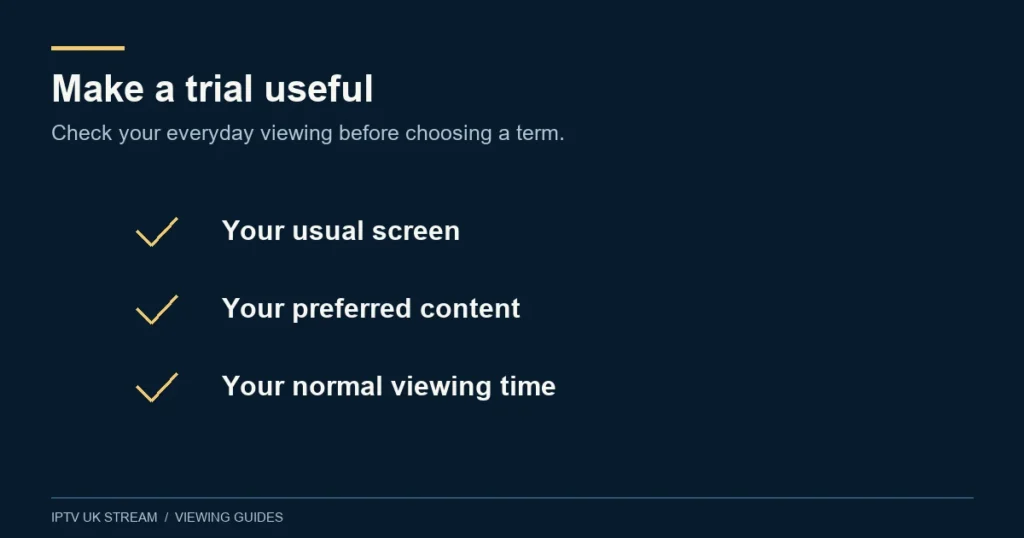
Start with one stream on the device you actually plan to use. Check that you can open a programme, navigate the guide and return to the menu without difficulty. If subtitles, audio tracks or catch-up matter, test those features on a suitable available item instead of assuming that every title supports them.
Try the connection under ordinary household conditions. Note the time, channel or title, device, app and exact symptom if something fails. A brief successful session is useful evidence about that session; it cannot promise future uptime, event coverage or an unchanged catalogue.
The installation guide explains how to prepare a device and report problems. For content-specific questions, use the channel availability checklist.
Before choosing a paid plan
Confirm the tier, duration and simultaneous connection count that suit your household. Current plan totals are shown in pounds sterling. A displayed monthly equivalent explains the total over the term; it is not itself a monthly billing arrangement. Ask support about any unresolved compatibility or availability issue before proceeding.
Trial questions
How long does the trial last?
There is no published fixed duration. Support confirms the current terms individually before access is supplied.
Does requesting a trial automatically start a paid plan?
This information page does not create an order, collect payment or begin an automated subscription. Discuss any later paid purchase separately.
Can I use the trial for a specific match or pay-per-view event?
Ask about the exact event in advance. A trial is not confirmation of that event’s availability, distribution rights or replay access.
What if I cannot get the player working?
Send support the model, app version and a description of the stage that fails. Avoid buying a second app or resetting your device until the compatibility question has been checked.