
IPTV UK catch-up: check replays, timing and player support
Catch-up lets you watch an available programme after its live broadcast. It depends on the particular channel or programme, the available archive and your player's support. A past EPG entry or a general catch-up label does not guarantee that every programme can be replayed.
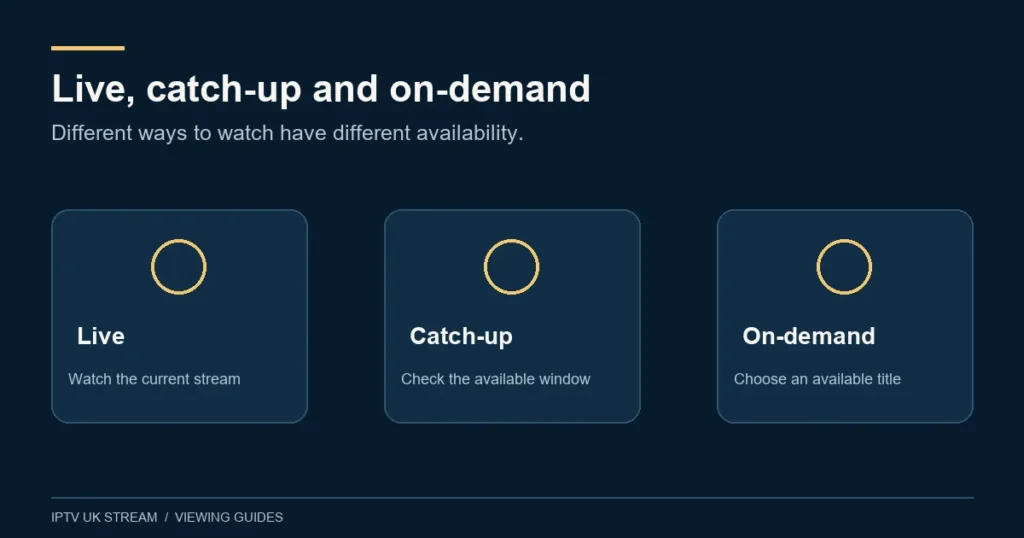
Separate the four ways of watching later
Catch-up, restart, on-demand libraries and personal recording can look similar from the sofa, but they answer different needs. Before asking whether you can watch later, describe what you want to do. Starting tonight’s programme from the beginning is a different request from finding last week’s episode or keeping a personal recording.
In a familiar UK example, Freeview’s official guidance distinguishes live guide browsing from on-demand viewing and marks available catch-up items. That illustrates why schedule history and playable programmes should be considered separately. It does not mean the Freeview service or its features are part of an IPTV UK Stream plan. See Freeview’s live and on-demand guidance.
| Viewing need | What to ask |
|---|---|
| Restart an ongoing broadcast | Can this programme be started from the beginning now? |
| Replay a past broadcast | Is this channel and time inside an available archive? |
| Choose a film or episode | Is the title available in the on-demand library? |
| Keep your own recording | Do the player, device and account terms support recording? |
Check the programme and its availability window
Start with the exact channel, programme title, broadcast date and UK time. If there are regional editions, include the one you mean. A replay enquiry about a local bulletin needs more detail than the national channel name, especially when several editions have similar labels.
Ask how far back the relevant archive goes and whether the individual programme is available. Do not assume a fixed number of days across all channels. An advertised feature may apply only where catch-up is supplied, and an archive boundary can make a recent programme available while an older one is not.
Confirm whether the stated window is measured from broadcast time, publication time or another point if that distinction matters to your viewing plan. Record the answer for an essential programme. If you intend to watch over a weekend, do not leave the availability check until after the replay may have expired.
Check player support before changing plans
A service-side archive and a player’s catch-up controls are separate requirements. Ask whether the app you use supports the supplied replay method on your particular device. An app that plays live television successfully does not necessarily expose every replay feature in the same way.
Describe the device model, operating system and app version. If support gives instructions, follow the route for that exact app rather than borrowing a screenshot from another player. Menu labels such as archive, replay or catch-up may differ, and a clock-shaped icon should not be interpreted without checking its function.
Do not buy another app licence merely because you cannot find a replay button. First confirm that the programme exists in the available archive. A different interface cannot restore a programme that is outside the retention period or was never supplied for replay.
Use the EPG carefully when selecting a replay
A guide can help identify the broadcast, but it must match the correct channel and time. Check the device date, local time and any manual guide offset before selecting a past programme. If the guide is already shifted, replay selection can appear wrong even when you chose the visible programme title.
Compare the expected start against the broadcaster’s schedule and include the date. This is especially useful around midnight, when a programme may belong to the preceding evening’s schedule. Note whether a live event ran longer than planned rather than assuming the original slot captured the entire programme.
The EPG troubleshooting guide explains blank listings and time mismatches. Fixing guide information is a different task from confirming replay coverage, so report both what the guide displays and what actually plays when you select the item.
Assess the replay itself
Once an available replay opens, check that it is the intended programme and starts at an appropriate point. Test pause and seeking only where the player offers them. Confirm whether subtitles or your preferred audio are present; their availability in a live feed does not establish identical behaviour in a replay.
If a programme seems incomplete, note where it begins and ends. For a sporting event, distinguish the studio discussion from the match or main event. Describe what is missing without assuming the cause. The useful report is that playback stops before a particular part, not simply that catch-up is broken.
Consider whether you need to resume later. If so, check how the app remembers progress and whether that behaviour applies on the same device only. A saved position is a convenience feature; it is not an extension of the programme’s availability window.
Sport and PPV replays need separate confirmation
Do not assume live event access includes a replay. Ask about the exact fixture or event, when any replay becomes available and how long it remains accessible. A general channel archive can differ from the treatment of a special event.
If avoiding spoilers matters, check whether opening the event category or guide reveals a result in a programme description. This is a personal viewing consideration, not a service guarantee. Prepare the route to the replay in advance where possible and avoid relying on an unfamiliar app moments before you want to watch.
The sports, football and PPV guide covers event identification and UK rights checks. It should be used alongside replay confirmation when a particular match or one-off event is the main reason for your enquiry.
When a past programme does not open
- Confirm the exact channel, date and UK broadcast time.
- Check whether the selected item is marked as playable catch-up rather than schedule history.
- Ask whether the programme falls within the available replay window.
- Check whether a different available replay opens in the same player.
- Note any error and report the device, app and item details to support.
If live television works but replays do not, say so clearly. If one replay fails while another opens, record both examples. Avoid clearing the whole app configuration before preserving these details, because a reset may remove useful preferences without changing archive availability.
Never paste a complete replay or playlist URL into a public discussion. It may carry account information. Provide a screenshot of the visible title or error with credentials concealed, and send any private details only through the established support process.
Plan around the viewing habit you actually have
A household that watches live most evenings may only need occasional replay access. A shift worker who routinely watches several days later has a different essential requirement. List two or three typical programmes and the delay before you expect to watch them, then ask whether that pattern is supported.
If you mainly watch films and complete seasons, a title-based library may be more relevant than a channel archive. The movies and series guide explains how to check completeness, languages and playback. Use the guide hub to connect these questions with device compatibility.
Catch-up questions
Is there one replay window for every channel?
This guide makes no such promise. Confirm the channel and programme, including the current retention period, before relying on later viewing.
Does a rewind button guarantee catch-up?
No. It may relate to the current playback session or another player function. Confirm what the control does on your device.
Can a player update recover an expired programme?
An update may affect compatibility, but it does not establish that an expired or unavailable programme exists in the archive. Ask about availability first.
Can I download a replay?
No download entitlement is claimed here. Offline use needs its own confirmation of player capability and permission.