
Smarters for IPTV: choose the correct app edition
Start with the exact Smarters application, publisher and device edition. Similar names do not establish identical compatibility, features or purchases. Once the edition is confirmed, match its login method to the access details supplied for your viewing account.
The name alone is not enough
Search results and app stores contain several products using similar Smarters wording. Do not decide which one to trust from its icon or ranking alone. Record the full title, publisher, store listing and version. If a support instruction refers to another edition, resolve that difference before entering credentials or making a payment.
The UK App Store listing for Smarters Player Lite identifies WHMCS SMARTERS as its developer. Separately, the Smarters Pro publisher website provides current platform download information. Use those specific references as identity checks, not as permission to assume all editions share purchases or supported workflows.
Keep an old working app’s details before replacing it. A new application with a related name may not recognise a previous licence or restore local favourites. Ask which migration process is supported rather than deleting the old configuration at the beginning of an investigation.
Use the player apps hub to compare the role of this application with Hot Player, IBO Player and TiviMate. The right choice begins with a verified edition and a suitable device.
Check the platform-specific edition
A phone interface, television interface and desktop program solve different control problems. For a TV, test directional navigation, readable text and the route back from playback. For a phone, check touch targets and orientation. For a desktop, decide whether you need a full guide or a simpler player window.
At the time of this guide’s review, the Smarters Pro publisher page lists several platform editions, marks its desktop builds as beta and describes LG availability as coming soon. This is why a broad “all devices” assumption is inadequate. Check the current listing for your actual model and region before relying on a tutorial.
Use the relevant device guide for the underlying platform: Samsung TV, Apple TV, Android TV and Google TV, phones and tablets or Windows and Mac. The player edition and hardware must both be suitable.
Distinguish app features from viewing access
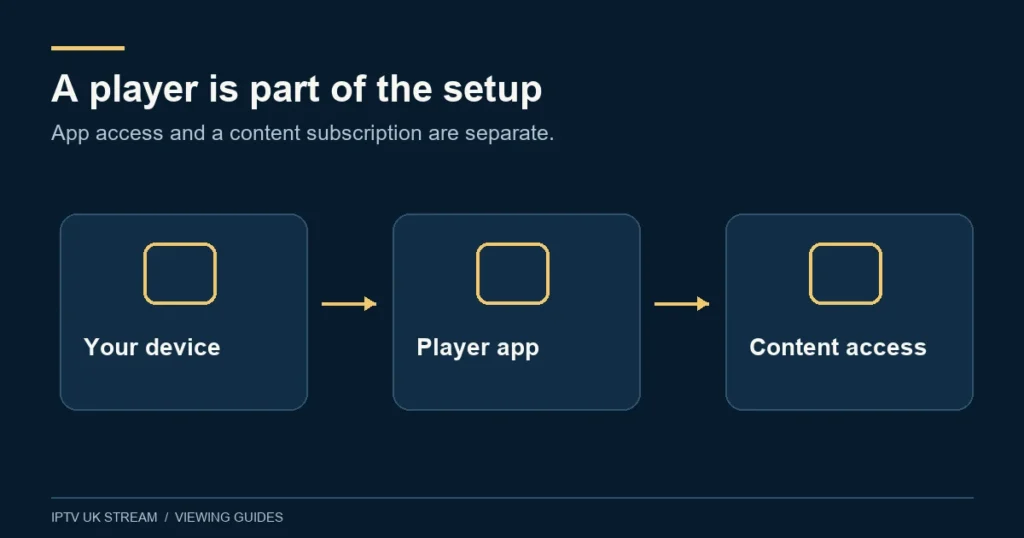
The publisher describes Smarters Pro as a media player rather than a source of television packages. A paid software upgrade can enable application features without supplying any channels. Likewise, a viewing plan does not automatically purchase every third-party player upgrade.
Keep the records separate: the store or publisher purchase, the installed player edition and the service account with its selected term. If a premium feature remains locked, check the application entitlement. If an account is rejected or a programme is absent, identify the viewing-access issue instead. Buying another upgrade should not be used as a general fix for either symptom.
IPTV UK Stream’s Premium plan has its own stated benefits. The named Hot Player / IBO activation benefit does not imply an included Smarters upgrade. Ask about the exact arrangement you intend to use before paying separately. This avoids treating a shared marketing word as proof that two unrelated entitlements are connected.
Match the login screen to the supplied details
Different editions may expose different ways to add a source. Some ask for a playlist, while others present separate fields or another account workflow. Follow the current instructions for the installed edition and confirm which access format support will supply. Do not guess a server address from a screenshot belonging to another provider.
When entering separate fields, preserve the spelling and punctuation of each supplied value. A profile name is normally a convenient label for you; it is not a substitute for the account username. When entering a playlist link, copy the complete authorised link and treat any embedded credentials or token as private.
If the screen does not match the instructions, capture the field labels without exposing secrets and ask for clarification. That is more efficient than repeatedly trying the same details in unrelated boxes. Avoid saving several failed profiles with similar names, because they make later checks harder to follow.
Run a clear first-session check
Start with one account profile and one active device. Let the source import finish, then open an ordinary available live item. Check picture and sound before testing optional menus. If movies or series are part of your use, open an available title separately; successful live playback does not prove every on-demand format will work.
Test the controls you will use daily: search, returning to a list, subtitles where supplied and closing playback. On a television, use the normal remote throughout. On a mobile device, try the orientation you prefer. On a computer, check the selected audio output and full-screen behaviour.
Reopen the application and confirm the saved profile remains available. Then create a small favourites group. The installation guide helps you establish that simple baseline before extra screens, advanced playback settings or a large collection of saved profiles complicate troubleshooting.
Guide data and catch-up are separate checks
A player can display channels without complete programme listings. If video works but the guide does not, describe the missing information rather than reporting an account failure. Note whether all channels are affected or only particular entries. Confirm the guide source expected for your actual access method.
For UK viewing, compare programme times with local time and note any consistent offset. Change only one timing setting at a time, especially around GMT and British Summer Time transitions. The EPG guide explains matching and schedule limitations.
A visible older programme in a guide does not automatically mean it can be replayed. Catch-up depends on the service, content and player route. Check the catch-up information and confirm specific availability before treating a menu feature as a promise that every programme is stored.
Use browser playback only through a verified route
If you prefer a web player, first confirm that it is a genuine supported route for your service and current application edition. The convenience of avoiding an installation does not remove the need to verify where credentials are being entered. A page using a familiar logo can still be unrelated to the publisher or account provider.
Ask about the browser and access format supported. Desktop app behaviour and browser playback may differ in formats, subtitles and controls. Test one ordinary item before relying on the browser for a long viewing session. Avoid leaving a signed-in session open on a shared or public computer.
Count concurrent streams across apps and browser tabs. Opening a second tab or device while the first continues can affect your allowance. Read the multi-device guide and stop old sessions explicitly during troubleshooting. Multiple saved profiles do not create extra viewing connections.
Smarters troubleshooting questions
The login is rejected
Check the exact edition, input method and supplied details, including unwanted spaces. Record the error wording and whether the account works through another confirmed route. Do not reveal the password in an error screenshot.
The app works on a phone but not the TV
Compare the actual editions and platform requirements. The interfaces and supported formats may differ. Keep the network and test item the same where possible, with one session at a time, so the result is meaningful.
Should I use a desktop beta on my main computer?
Read the current publisher status and decide whether its support and stability expectations fit your use. A beta label is a reason to assess the release carefully, not a claim that it is either unusable or guaranteed reliable.
What should support receive?
Send the app’s full title, publisher, version, device model, operating system and exact failure stage through Contact. Include whether list loading, video, sound or guide data is affected. That makes the next step specific while keeping account secrets private.