
IPTV UK VPN: benefits, limits and questions to ask
A VPN can protect traffic routed through an encrypted connection, but it does not create programme rights, add missing channels or guarantee faster streaming. IPTV UK Stream lists a Built-in VPN feature; confirm its scope and setup for your device before relying on that label.
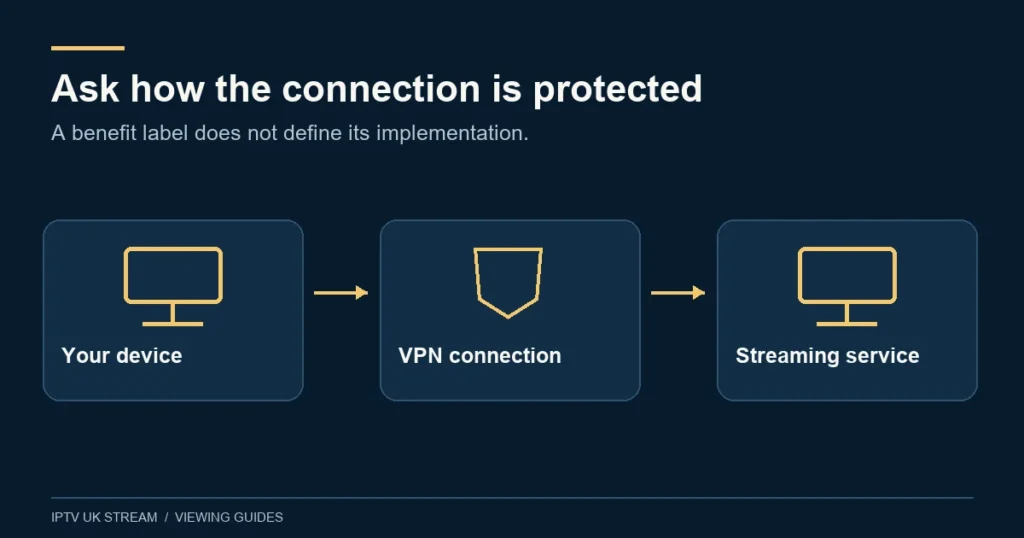
Understand what the connection protects
A virtual private network establishes a protected connection across another network. The important practical question is which traffic actually passes through it. The NCSC distinguishes full-device and per-app arrangements and explains that traffic outside a VPN’s route is not protected by that VPN. See its VPN guidance.
For a viewer, that means the presence of a VPN feature in one app should not be interpreted as protection for every app, browser tab or device in the house. Ask where the connection begins and ends, what is included and how you can see whether it is active.
This guide does not certify the site’s implementation or claim a particular encryption protocol, logging policy, server location or privacy audit. Those details require confirmation about the actual service. A plan label alone is insufficient evidence for a technical assurance.
What to ask about Built-in VPN
Before relying on the feature, describe your device and player to support. Ask whether it is automatic, requires an app setting or uses a separate component. Request instructions for the exact supported setup rather than assuming the feature works identically on a smart television, streaming box and phone.
Clarify whether the feature applies only to service traffic or to a wider set of connections. Ask what happens if the protected connection stops, how its state is displayed and whether there is a way to check normal operation. If a protection claim is important to you, request an explicit answer rather than inferring it from a marketing phrase.
| Question | Why it matters |
|---|---|
| Which device and player are supported? | Compatibility can differ between setups. |
| Which traffic is covered? | An app feature may have a narrower scope than the whole device. |
| How is it activated? | A label does not explain the required configuration. |
| How can I check its status? | You need a defined way to recognise normal operation. |
| What happens on disconnection? | Failure behaviour affects the protection you expect. |
| What privacy information is available? | Data handling needs a documented answer. |
A VPN does not establish content permission
A network tool and the right to view or distribute a programme are separate matters. Using a VPN does not itself grant a subscription, add an event entitlement or demonstrate that a provider is authorised to supply a channel. Resolve those questions directly before paying for content.
Do not treat a changed apparent network location as permission to use a service outside its terms. If you plan to travel, ask about the service’s permitted locations and the relevant content restrictions. This guide does not provide instructions for bypassing territorial controls or promise access from another country.
The channel availability checklist explains how to ask about specific feeds and programmes. For a match or one-off event, use the sports and PPV guide. A VPN setting should never replace those content checks.
Do not assume that a VPN fixes buffering
Repeated pauses can have several possible causes. The home connection, wireless signal, device, player or source may need investigation. Changing the network route is one variable, but it is not a universal diagnosis. A successful session after changing a setting does not by itself establish why the original problem occurred.
Start by describing the symptom precisely. Does the picture pause while sound continues? Does every item fail, or only one? Does the problem happen at a repeatable point in a film? The answers help distinguish a general connection issue from an item-specific or player-specific problem.
Ofcom recommends checking competing household activity and using a direct Ethernet connection where suitable when investigating broadband and Wi-Fi issues. These are useful baseline checks before attributing a problem to VPN settings. See Ofcom’s broadband help.
Make a controlled comparison when support recommends one
If support asks you to compare configurations, agree which setting to change and keep the rest of the setup as similar as possible. Use the same device, player, available programme and ordinary household conditions. Record the time and the result instead of relying on memory.
Change one thing at a time. Moving the router, replacing the app and altering the network configuration together makes the outcome difficult to interpret. If privacy requirements depend on a protected connection, ask how to perform an appropriate check without exposing traffic you intend to keep protected.
A single speed-test result is not a complete assessment of streaming behaviour. Note whether the actual programme opens, remains usable and responds to controls. Treat your observation as evidence about that session, not a promise about future performance or every channel.
Keep account security separate
A VPN does not replace careful handling of login details. Do not post usernames, passwords, full playlist addresses or activation information in public. If you need support, conceal those values in screenshots and provide only the details relevant to the issue through the established contact route.
Keep track of which company supplies the player, the content account and any separate VPN app. These can be different relationships with different settings and terms. Paying for a player licence should not be assumed to include a VPN subscription, and a VPN subscription should not be assumed to include content.
If an unfamiliar app requests broad device permissions, read what is requested and why before proceeding. Ask the app publisher for clarification if the request does not make sense for your use. Avoid installing a second tool solely because an unrelated online comment describes it as required.
Shared households and several devices
Ask whether a proposed setup applies to one device or multiple devices before changing a router. A router-level change can affect other household activities, so understand the intended scope and how to restore the previous configuration. Do not alter a shared connection without considering the people who use it.
Simultaneous content connections remain a separate plan setting. A VPN does not increase the number of authorised streams. If two televisions will play at once, choose the required connection count and confirm both devices, regardless of whether they share a network route.
For a household with mixed devices, write down each intended combination of screen, player and connection method. Support can then answer compatibility questions individually. One working setup should not be used as proof that all the others behave identically.
When to stop changing settings and ask for help
If you lose ordinary internet access after a configuration change, stop adding further changes. Record what was altered and follow the relevant provider’s recovery instructions. Avoid a factory reset unless it is justified and you understand what settings will be lost.
A useful support report includes device model, operating system, player, whether the issue affects other apps, the exact error and the last setting changed. Leave out passwords and private addresses. Ask support to clarify which part of the connection they are diagnosing.
Use the guide hub for related device and viewing topics. If VPN behaviour is essential to your decision, resolve the technical questions before committing to a longer term rather than relying solely on the feature name.
VPN questions
Does Built-in VPN mean every device in my home is protected?
That scope is not established by the label. Ask which traffic and devices the feature covers.
Will a VPN make every stream faster?
No speed guarantee is made here. Diagnose the actual issue and assess any recommended change under controlled conditions.
Does it remove the need for a valid subscription?
No. Network routing is separate from content access, distribution rights and applicable viewing requirements.
Where are the VPN servers and are logs kept?
This guide has no verified implementation details for those questions. Ask support for the applicable technical and privacy information.